
ClickReporter
A browser extension for sending social media posts and websites directly to your Discord webhooks — in one click.
Buy Pro LicenseFeatures
| Feature | Description | Basic | Pro |
|---|---|---|---|
| One-Click Sharing to Configured Webhooks | Right-click any post, tweet, or video and send it directly to Discord without leaving the page. | 2 | Unlimited |
| Add a Message to the shared link | Include a custom message with the shared links/posts. | ✅ | ✅ |
| Rich Embeds | Content is sent as rich Discord embeds with titles, descriptions, and images preserved. | ✅ | ✅ |
| Whole Page Sharing | Utilize the popup to share any page you are currently on. | ✅ | ✅ |
| Webhook Groups | Configure webhook groups to send a single post to multiple webhooks at once. | ❌ | Unlimited |
| Pricing | Cost of ClickReporter. | Free | Single $4 Charge |
Supported Socials
| Feature | Supported Methods | Planned Methods |
|---|---|---|
| Twitter/X | Posts (Timeline) Posts (Focused) | Profiles |
| Youtube | Videos (Browse) Videos (Watch Page) | Channels Shorts |
Posts (Feed) Posts (Post Page) | Subreddits Profiles | |
| Facebook Marketplace | Listings | None Planned |
| Any Page | Page URL (Via Settings Modal, Automatically Trims URL Params) | N/A |
Screenshots
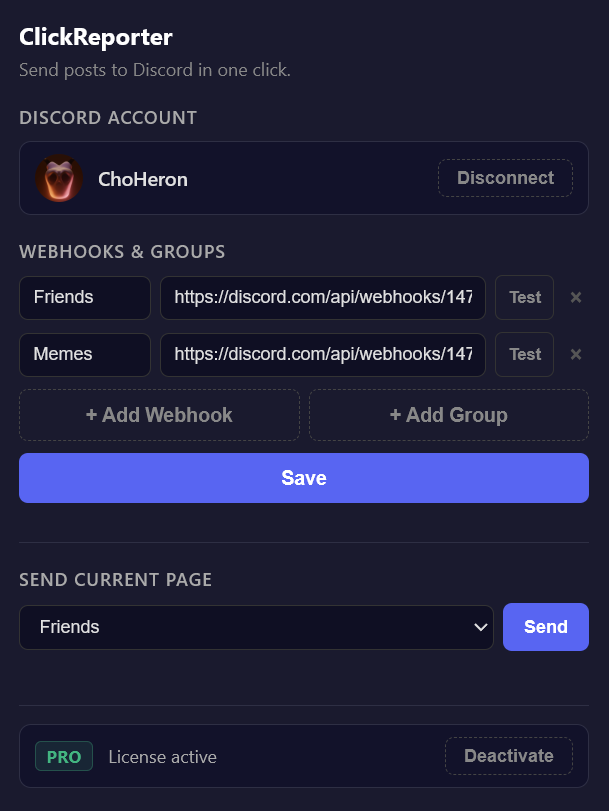
Settings popup for quick webhook management
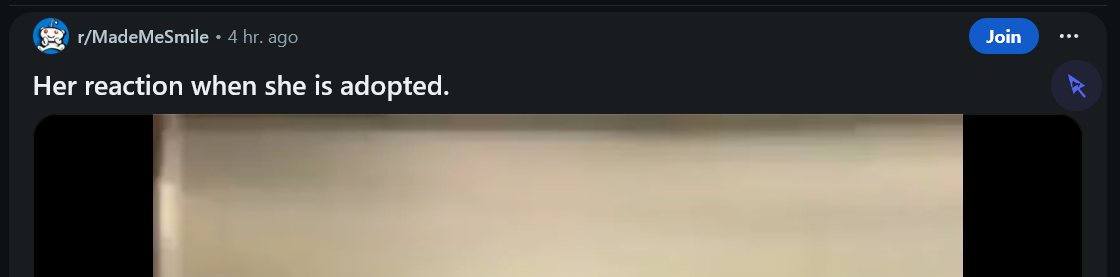
Share reddit posts directly to Discord

Share tweets directly to Discord
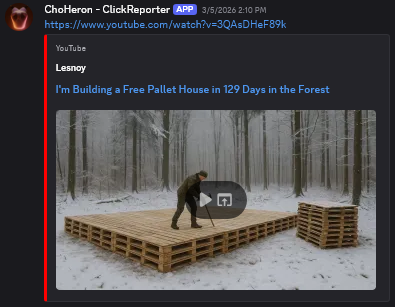
YouTube videos appear as rich embeds
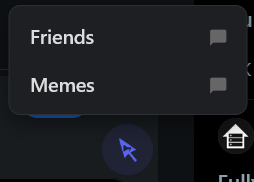
Having multiple popups configured prompts a selection popup
How It Works
- 1
Install the extension
Add ClickReporter to Firefox or Chrome from the extension store.
- 2
Add a Discord webhook
Open the popup and paste in one or more Discord webhook URLs from your server settings.
- 3
Click & report
Navigate to any supported social media post or any website, utilize the ClickReporter button, and select your desired webhook or group.